What it is
Proof there’s a real person behind the name
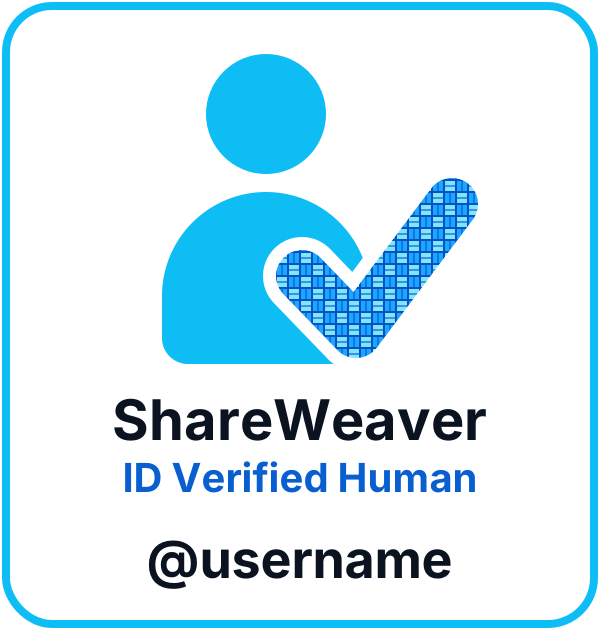
The badge means you passed ShareWeaver’s ID check: a photo of your government ID and a live selfie that has to match it. Every badge belongs to one person, 18 or older, and one ID can only ever hold one account.
It shows your first name and last initial. Your last name, ID number and ID photos are never shown, and ShareWeaver doesn’t store your ID photos.
How you get it
Free, and it takes a few minutes
- Join ShareWeaver. It’s free.
- Tap “Get ID-verified (free)”.
- Take a photo of your ID and a live selfie.
- Our verification provider checks them, usually within a few minutes.
You get two free tries.
How you share it
In the app, and in your ads anywhere
In ShareWeaver, the badge sits next to your name on your listings, messages and profile.
For ads on other sites, open Account, find “My badge for ads” and tap “Save badge picture”. Add that picture to your ad.
Anyone can check it’s real at shop.shareweaver.com/your-username. Your page says “Verified member since” and the date.
Why you need it
Because anyone can type a name
- Selling: buyers see a real person with a real ID on file.
- Buying: sellers know who is coming to meet them.
- Meeting someone from online: ask for their badge. If they won’t get verified, think twice.
A copied picture isn’t proof. Always check the username.
The badge confirms who someone is. It doesn’t promise how a deal will go, so still meet in a busy public place.